
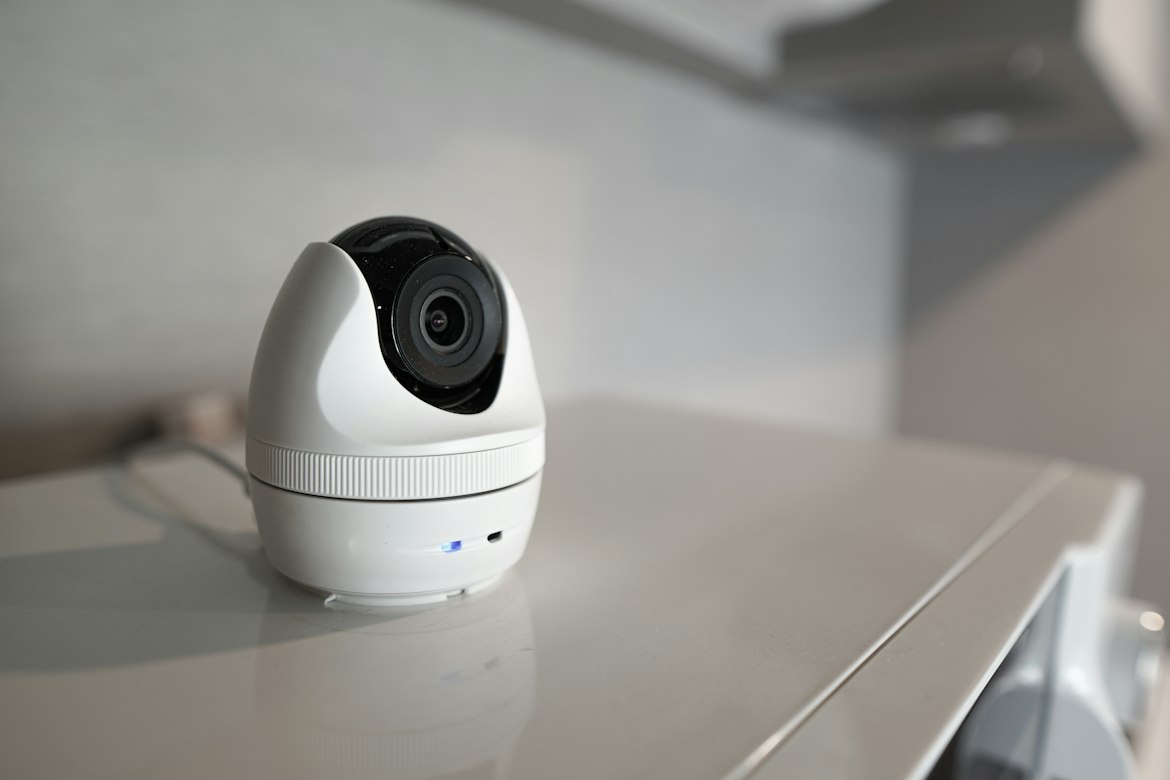
Smart speakers, thermostats, and doorbells have quickly become a normal part of British homes.
From asking Alexa for the weather to checking your front door from your phone while on holiday, these devices offer incredible convenience.
But as our homes get smarter, they also become more connected, creating new digital doorways that we need to make sure are properly locked.
The Rise of Connected Living
It’s easy to see why a connected home sounds so appealing.
Smart lighting can adjust automatically to save energy, thermostats learn your routine to keep the house comfy and efficient, and video doorbells let you see who’s visiting even when you’re not there.
This whole network of devices, often called the ‘Internet of Things’ (IoT), really does promise a future where everything just works together seamlessly.
However, every device you connect to your home Wi-Fi is another potential entry point for someone with bad intentions.
The more gadgets we add, the more complex our home network becomes, making it even more important to manage it securely.
Common Security Weaknesses
Many smart devices, unfortunately, aren’t very secure right out of the box.
One of the most common problems is that they come with default usernames and passwords.
Hackers often have lists of these standard credentials and can use them to easily get into your devices.
Another big weakness is outdated software or ‘firmware’.
Manufacturers release updates to fix security holes, but if you don’t install them, your devices stay exposed.
Unsecured Wi-Fi networks are another huge risk, as they can allow anyone nearby to access your entire network.
For more detailed home security tips, it’s worth understanding all the ways your home could be vulnerable.
Securing Your Home Network
Thankfully, making your smart home secure doesn’t mean you need an IT degree.
Just a few simple steps can make a huge difference.
Start by changing the default password on your Wi-Fi router to something long, unique, and hard to guess.
Do the same for every single smart device you own.
It’s also super important to turn on two-factor or multi-factor authentication (MFA) wherever it’s offered.
This adds a second layer of security, usually a code sent to your phone, which stops someone from logging in even if they have your password.
While this is crucial for your personal accounts, it’s even more critical in a professional setting.
The reasons behind Why Multi-Factor Authentication is No Longer Optional for Businesses really show the serious risks companies face from unprotected digital access.
Protecting Personal Data Online
Beyond just stopping unwanted access, it’s also important to think about the data your devices are collecting about you.
Smart speakers listen for wake words, smart TVs can track what you watch, and fitness trackers monitor your health.
Before setting up a new device, take a moment to look through its privacy settings.
You can often limit how much data it collects and shares.
It’s a good idea to get familiar with the common smart home privacy concerns so you can make smart choices about which devices you trust in your home and how you set them up.
Be especially careful with devices that have microphones or cameras, and understand what they’re recording and where that data is stored.
Future-Proofing Your Digital Home
Technology moves fast, so securing your home isn’t a one-and-done job.
Make it a habit to regularly check for software updates for all your smart devices and your Wi-Fi router.
Many devices can even be set to update automatically, which is a great time-saver.
For an extra layer of protection, think about setting up a separate ‘guest’ Wi-Fi network just for your smart home gadgets.
This keeps them separate from your main network where your personal computer and phone are connected.
That way, if one of your IoT devices ever got compromised, the intruder wouldn’t have immediate access to your most sensitive personal files.
Building a smart home should make your life easier, not more stressful.
Being mindful of these security basics helps you enjoy all the benefits of connected living without leaving your digital front door wide open.
Taking just ten minutes today to change a default password or enable an update is a simple step towards a safer, smarter home.
Hope you’ve found our article, Are Your Smart Home Devices Truly Secure? useful.
Thank you for taking the time to read my post. If you’d like to add a comment or thought on this post, please use the comments section below. I can also be contacted via the online contact form. Keep up to date with the latest news on social media.