
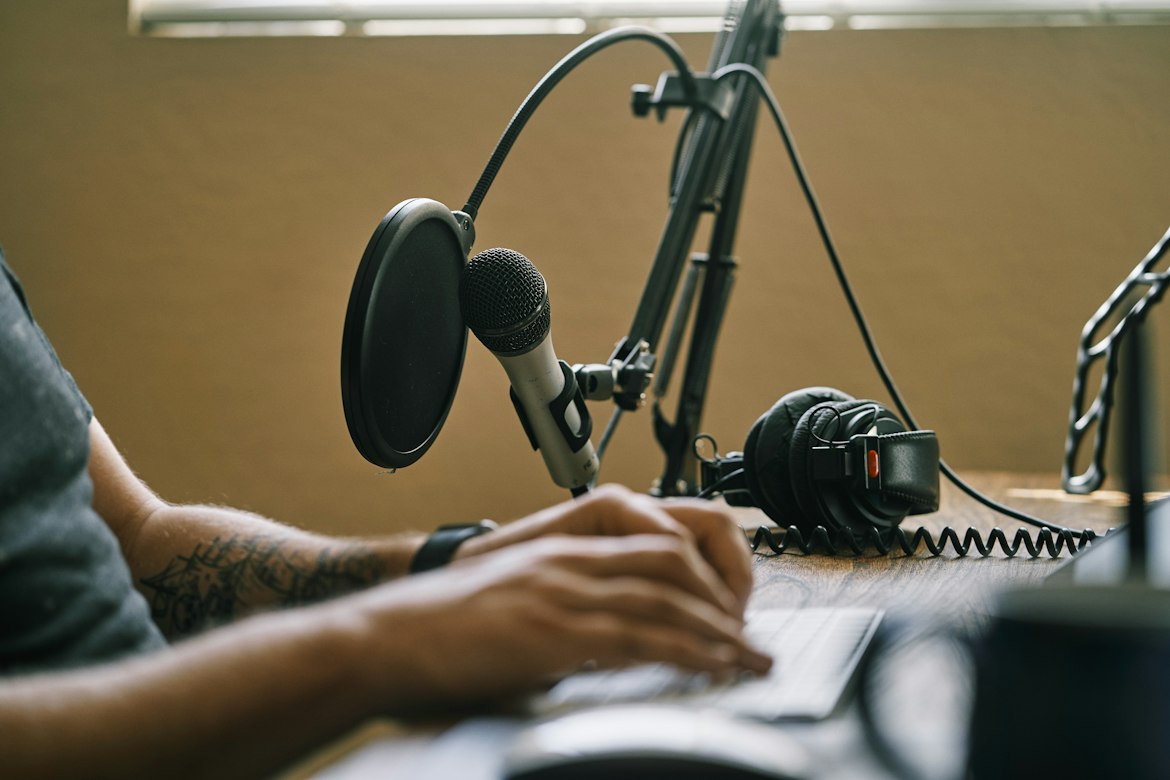
A reliable podcast or research workflow depends on tools that capture clear audio, reduce repetitive work and keep every file easy to find.
Expensive equipment won’t fix a disorganised process, so it pays to build a practical tech stack around the way you record, edit and publish.
Start with the essentials, test them on a real project and add specialist services only when they solve a clear problem.
Recording Gear for Clear Sound
A good microphone is the foundation of clear speech.
Dynamic microphones suit untreated rooms because they tend to pick up less background noise, while condenser models capture more detail in quiet, acoustically controlled spaces.
Pair your microphone with closed-back headphones so that sound from the recording doesn’t leak into the microphone.
Remote interviews also need stable recording software and a wired internet connection where possible.
Platforms that record each participant locally can preserve clean audio when a video call briefly drops in quality.
This guide to a professional podcast tech stack provides useful context on selecting compatible equipment.
Before each session, record a 30-second test.
Check microphone distance, room noise and input levels while there’s still time to correct them.
Editing Software: Polish Your Audio
Editing software should let you cut mistakes, balance volume and remove distracting noise without slowing down production.
Audacity offers a straightforward free option, while applications such as Adobe Audition, Reaper and Logic Pro provide more detailed controls.
Choose one programme and learn its core shortcuts before paying for extra plug-ins.
Create a reusable project template containing your preferred track names, volume settings and export format.
For example, a weekly podcast could include separate tracks for the presenter, guest, introduction and closing music.
This saves several minutes on every episode and reduces avoidable errors.
Some applications can identify filler words, generate rough show notes or edit audio through its transcript.
A review of AI tools for podcasters can help you compare these features with the needs of your own production process.
Transcription: A Research Game-Changer
Transcripts turn recorded conversations into searchable working documents.
If you need to Transcribe Videos Online, an AI transcription service can produce text and subtitles quickly, with human proofreading available when accuracy needs closer attention.
For a researcher handling ten hour-long interviews, searchable transcripts make it much easier to locate repeated ideas, quotations and differences between participants.
Podcasters can use the same text to prepare episode descriptions, articles and short social posts.
Accuracy still depends on the recording.
Ask speakers to introduce themselves, minimise people talking over one another and confirm unusual names or technical terms after the session.
Review the transcript whilst listening to key passages, especially before publishing direct quotations.
Keep time codes in the file too, as they allow an editor to return to the relevant audio within seconds.
Managing and Storing Your Media
Audio and video files become difficult to control surprisingly quickly.
Use a consistent folder structure for every project, with separate locations for raw recordings, edited files, transcripts, images and final exports.
A useful filename might be `2026-10-13_guestname_interview_v01.wav`, which records the date, subject and version without needing to open the file.
Keep at least two copies of active projects in different places.
One can sit on your main computer or an external drive, while another remains in secure cloud storage.
Automatic syncing is convenient, but it doesn’t replace checking that files have uploaded correctly.
Set access permissions carefully when recordings contain confidential research or unpublished interviews.
Give collaborators access only to the folders they need and remove old accounts when a project ends.
A short retention policy also prevents raw media from accumulating indefinitely.
Reaching Wider Audiences with Translation
Translation can extend the life of a strong interview or podcast episode.
Start with an accurate transcript, then translate the text and review it for local expressions, specialist vocabulary and names.
Automated translation is useful for a first draft, though a fluent reviewer should check material intended for public release.
Subtitles offer a practical starting point because viewers can follow translated dialogue while hearing the original speaker.
Use a standard subtitle file such as SRT, check that each line remains on screen long enough to read and avoid placing too much text in one frame.
Open captions, which are fixed into the video, are useful on platforms where viewers often watch without sound.
Test the completed version with a short extract before processing an entire series.
A five-minute sample can expose timing problems, awkward terminology or formatting issues while corrections are still quick.
The best final check is simple: open the exported file on a different device and confirm that the words, timing and speaker labels all match.
Hope you’ve found our article, The Essential Tech Stack for Podcasters and Researchers useful.
Thank you for taking the time to read my post. If you’d like to add a comment or thought on this post, please use the comments section below. I can also be contacted via the online contact form. Keep up to date with the latest news on social media.