
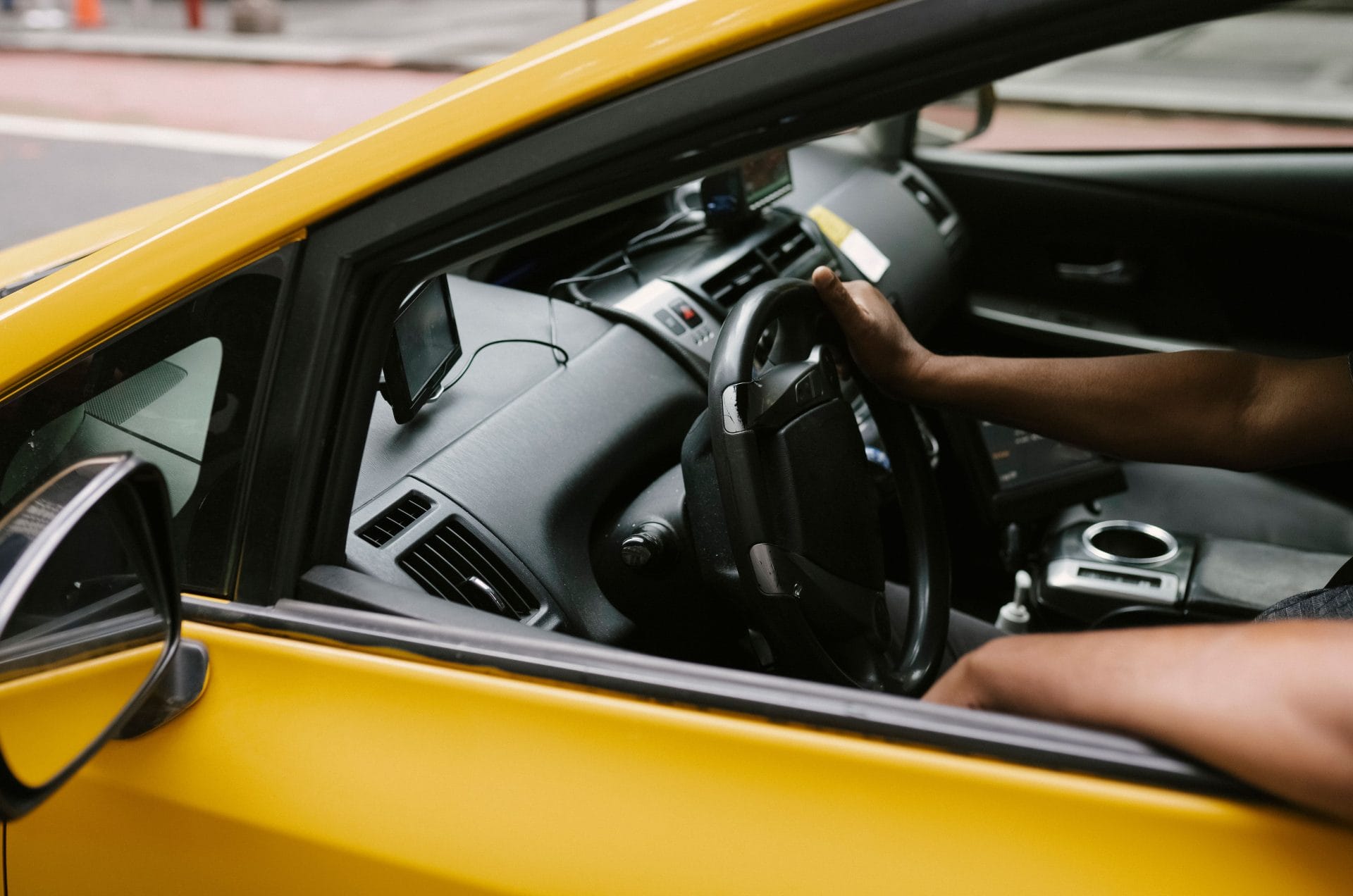
Professional drivers rely on technology to keep each shift organised, safe and comfortable.
The best gadgets reduce avoidable delays, simplify routine admin and provide useful records when something goes wrong.
However, a crowded dashboard and a collection of unreliable apps can create new problems.
Focus on equipment that solves a clear issue in your working day.
Check how each product is powered, mounted and updated before buying it, then consider any ongoing subscription or data costs.
The following categories offer a practical starting point for taxi drivers, private hire drivers, couriers and other professionals who spend long hours on the road.
Navigation Systems Reviewed
A dependable navigation system should provide clear directions without demanding too much attention.
Smartphone apps offer live traffic information, rapid route changes and regular map updates, while a dedicated sat-nav keeps personal calls and messages separate from driving.
Some commercial models also let you enter vehicle dimensions or route restrictions, which can be useful for larger vehicles.
Screen visibility matters as much as software.
Choose a display that remains readable in bright sunlight and position it where it won’t obstruct your view.
Voice instructions should be clear at normal cabin volume, allowing you to keep your eyes on the road.
If you use a phone, fit a secure mount and connect a reliable charging cable before setting off.
Download offline maps for areas with weak mobile coverage.
A saved map can keep basic directions working if your data connection drops, though live congestion information may become unavailable.
It also helps to keep a second navigation app installed in case your usual service experiences an outage.
Before starting a fare or delivery, spend a few seconds checking the complete route.
Automated directions can occasionally select unsuitable entrances, restricted streets or awkward turning points.
A quick overview helps you spot these issues early and gives you a better idea of the expected arrival time.
Dash Cams for Added Security
A dash cam creates a time-stamped visual record of the road, which may help clarify what happened during a collision, complaint or disputed incident.
Professional drivers should look for dependable recording, readable number plates and reliable operation in changing light.
Independent dash cam reviews can help you compare real-world image quality instead of relying on packaging claims.
Resolution is only one part of the buying decision.
Useful dash cam features include loop recording, automatic incident protection, GPS data and a parking mode.
A rear-facing camera can provide extra context, while good low-light performance matters for evening shifts.
Check how footage is transferred too, as Wi-Fi access is usually quicker than repeatedly removing a memory card.
Footage also needs responsible handling. Tell passengers if interior recording is used, follow applicable privacy rules and delete files according to a sensible retention policy.
A camera may support an account of an incident, but it doesn’t replace suitable cover.
When reviewing policy options for a working taxi, you could use a company like Taxi Insurer to compare relevant levels of specialist taxi insurance.
Payment Processing Solutions
Card and contactless payments can shorten stops and give passengers more choice.
Many compact readers connect to a phone or tablet through Bluetooth, while some standalone terminals include their own mobile connection.
Before choosing one, compare the transaction fee, settlement time, hardware price and any monthly charge.
Connection reliability deserves close attention.
A low-cost reader may be frustrating if it frequently loses contact with its companion app.
Check which mobile networks the terminal uses and find out whether it can queue a payment when coverage is poor.
Never assume an offline transaction has been approved until the provider confirms it.
Receipts should be simple to issue by email or text, with printed receipts available if your customers or local operating conditions require them.
The system should also provide clear transaction reports.
These can save time when you reconcile a shift, identify refunds or prepare figures for bookkeeping.
Keep business payments separate from personal spending so the records remain easy to follow.
Security updates are another practical consideration.
Install software updates promptly and use a strong passcode on every connected device.
Avoid sharing payment logins between several people, as individual user accounts create a clearer record of refunds and account changes.
Carry a power bank and a suitable charging lead too.
A payment terminal that runs flat near the end of a busy shift can cause delays and lead to lost fares.
Comfort and Ergonomics Tech
Long hours behind the wheel can make a poor seating position increasingly uncomfortable.
Start with the adjustments already built into the vehicle.
Set the seat so you can press the pedals without stretching, keep your shoulders supported and reach the main controls with a slight bend in your elbows.
Adjust the steering wheel and mirrors after moving the seat.
A supportive seat cushion may help if the existing base feels too firm or provides limited support.
Choose a product that stays securely in place and doesn’t raise you so high that it affects visibility or seat belt positioning.
Thick cushions can also alter how your legs meet the pedals, so test the setup during a short drive before using it for a full shift.
Small gadgets can improve the cabin without creating clutter.
A heated seat pad may be useful in cold conditions if the vehicle lacks built-in heating, while a compact fan can improve air movement in summer.
Check the power rating before connecting several accessories to one socket.
Overloaded adaptors, trailing leads and loose devices create unnecessary risks.
Wearable reminders or phone alerts can also prompt regular breaks.
Use them as a cue to leave the vehicle, walk for a few minutes and change posture.
Keep water within easy reach in a holder that grips the container properly.
Comfort technology works best when it supports good habits, sensible breaks and a well-adjusted driving position.
Protecting Your Professional Tools
Phones, payment terminals, cameras and navigation devices represent a sizeable investment.
Record the make, model and serial number of each item, then store purchase receipts in cloud storage or a secure business folder.
Photographs of the equipment can support ownership records and make it easier to identify missing items.
Remove portable devices at the end of a shift whenever possible.
A locking glove compartment or fixed storage box may offer short-term protection during breaks, but leaving visible technology inside an unattended vehicle can attract unwanted attention.
Charging cables and empty mounts may also suggest that equipment is stored nearby, so keep the cabin tidy.
Digital protection matters too.
Turn on automatic screen locking, device tracking and remote deletion where supported.
A small tracking device can also help you keep tabs on important equipment when it is not in use.
Use different passwords for payment, email and scheduling accounts, with multi-factor authentication enabled when available.
Build a simple monthly equipment check into your routine.
Confirm that mounts remain secure, cables have no exposed damage and storage cards can still record correctly.
Clean camera lenses and charging ports carefully, then install pending updates while the vehicle is parked.
A labelled pouch can keep spare cables, adaptors and memory cards together, making faults easier to solve between jobs.
The most useful professional setup is one you can inspect quickly at the start of a shift, with every device charged, correctly positioned and ready to work.
Hope you’ve found our article, Essential Gadgets for Professional Drivers useful.
Thank you for taking the time to read my post. If you’d like to add a comment or thought on this post, please use the comments section below. I can also be contacted via the online contact form. Keep up to date with the latest news on social media.