
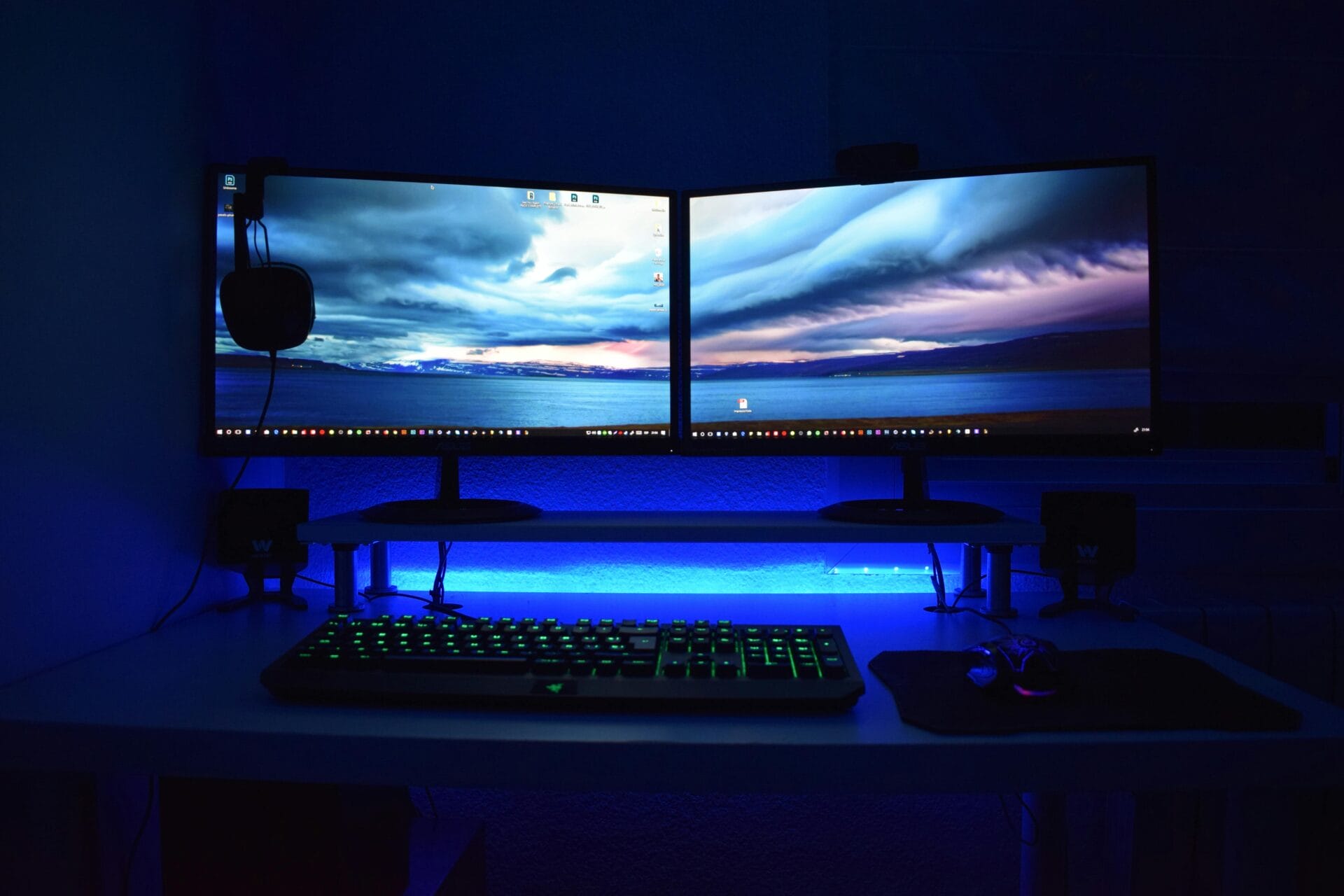
If you are keen to take control of your computer experience, one of the best and surest ways to do that is to build your own computer from scratch.
As it happens, this is something that is relatively easy to do, and you will find that you are able to really make a huge difference to the experience that you have.
In this post, we are going to take you through some of the main things that you will want to know about and consider when it comes to building your own computer.
Understanding The Components
At its core, a computer is a collection of PC parts that work together to perform tasks.
The main components are the central processing unit (CPU), motherboard, memory (RAM), storage drives (HDD or SSD), graphics card (GPU), power supply unit (PSU), and the case that holds everything.
Each piece has a specific role: the CPU executes instructions, RAM provides short-term memory for active processes, storage holds your data, and the GPU handles visual output.
Modern motherboards are designed to accommodate these parts with clearly labeled slots, which simplifies the assembly process.
The Assembly Process
Once you have all the parts, the assembly itself is mostly about careful placement and connecting components correctly.
Installing the CPU and RAM requires attention to detail, as the parts have specific orientations.
The power supply should be secured and connected to the motherboard, storage drives, and GPU, if one is used.
Cable management is another consideration; neat cables improve airflow and reduce the risk of accidental disconnections.
One of the trickier parts for beginners can be installing the CPU cooler or configuring the BIOS/UEFI settings for first-time boot.
However, many modern CPUs come with pre-installed cooling solutions, and motherboards often provide clear instructions or auto-configuration features that ease the initial setup.
Testing
After assembly, turning the machine on is a critical moment.
If it doesn’t boot, the issue could be as simple as a loose cable or as complex as a defective component.
Online communities are invaluable here, as troubleshooting guides can walk you step by step through identifying the problem.
Common fixes include reseating RAM sticks, checking power connections, and verifying BIOS settings.
Why Build Instead Of Buy
Some might wonder why go through the hassle of building a PC when pre-built machines are readily available.
Custom builds allow for precise control over performance, aesthetics, and future upgrades.
You can prioritize high-performance gaming, fast storage, or quiet operation, and know exactly what is inside your machine.
Cost-wise, a custom build can often offer more value for the money, although this depends on component choices and market prices.
For someone technically curious, patient, and willing to follow instructions carefully, building a computer is very doable.
It’s less about advanced skills and more about understanding the logic of the components and taking things step by step.
Beginners may encounter small frustrations, but these are usually resolved with patience and research.
Hope you’ve found our article, Building Your Own Computer: How Easy Is It Really? useful.
Thank you for taking the time to read my post. If you’d like to add a comment or thought on this post, please use the comments section below. I can also be contacted via the online contact form. Keep up to date with the latest news on social media.